.png)
Social media analytics tools turn raw platform data - reach, engagement, follower growth, and conversions - into reports you can act on or share. In 2026 the best pick depends on your job: Sprout Social for all-in-one management and listening, ReportGarden for agencies reporting to clients, Rival IQ for competitive benchmarking, and Google Analytics (GA4) for free measurement of how social affects your site.
This guide compares 10 tools by what each is actually best for - with pricing, free trials, and one standout strength each - so you can choose without trialing all ten yourself.
What is a social media analytics tool?
A social media analytics tool collects performance data from your social accounts - engagement, reach, follower growth, clicks, and conversions - and turns it into metrics and reports you can use to decide what's working. Some tools also handle publishing and listening (tracking mentions and conversations); others focus purely on analytics and reporting.
The distinction matters when you choose. A social media management tool helps you run your channels. A social media analytics or reporting tool helps you measure and present the results
How to choose a social media analytics tool
Four questions narrow the field fast:
- Which networks and data sources do you need? Make sure the tool covers the platforms you actually post on, plus any web or ad data you want alongside them.
- Do you need reporting, listening, or both? Reporting shows how your content performed. Listening tracks mentions and industry conversations. Not every tool does both.
- Who reads the report? If clients or executives do, white-label and scheduled reports matter more than raw dashboards.
- What's the cost per user or profile? Pricing scales differently - per seat, per profile, or per plan - so match it to how many people and accounts you manage.
Quick pick: best tool for each need
- Best all-in-one management + analytics: Sprout Social
- Best for agencies reporting to clients: ReportGarden
- Best free option: Google Analytics (GA4)
- Best for competitive benchmarking: Rival IQ
- Best for content and influencer research: BuzzSumo
- Best for small businesses and solo creators: SocialBee
- Best for Pinterest-led visual marketing: Tailwind
The list below is grouped by type - management suites, agency reporting, research and competitive tools, then free tools - not ranked best to worst. Use the quick-pick above to match a tool to your job.
The tools, one by one
1. Sprout Social
An all-in-one social media management platform with publishing, engagement, analytics, and listening.
Best for: teams that want management, analytics, and social listening in one place.
Standout: social listening paired with cross-network analytics.
Pros:
- Strong analytics across major networks
- Social listening for mentions and industry trends
- Team collaboration and competitor reports
Cons:
- Priced per seat, which adds up for larger teams
- More capability than a solo creator needs
Pricing: 99$/ mo.
Free trial: Yes
2. HubSpot
Social tools built into HubSpot's CRM and marketing platform.
Best for: teams already using HubSpot who want social tied to contacts and campaigns.
Standout: social activity connected to CRM records and campaign attribution.
Pros:
- Social data linked to leads and customers
- Custom and pre-built reports
- One platform for social, email, and CRM
Cons:
- Social tools sit inside paid Marketing Hub tiers
- Costly if you only want social analytics
Pricing: 7$/mo · Free trial: Yes
3. ReportGarden
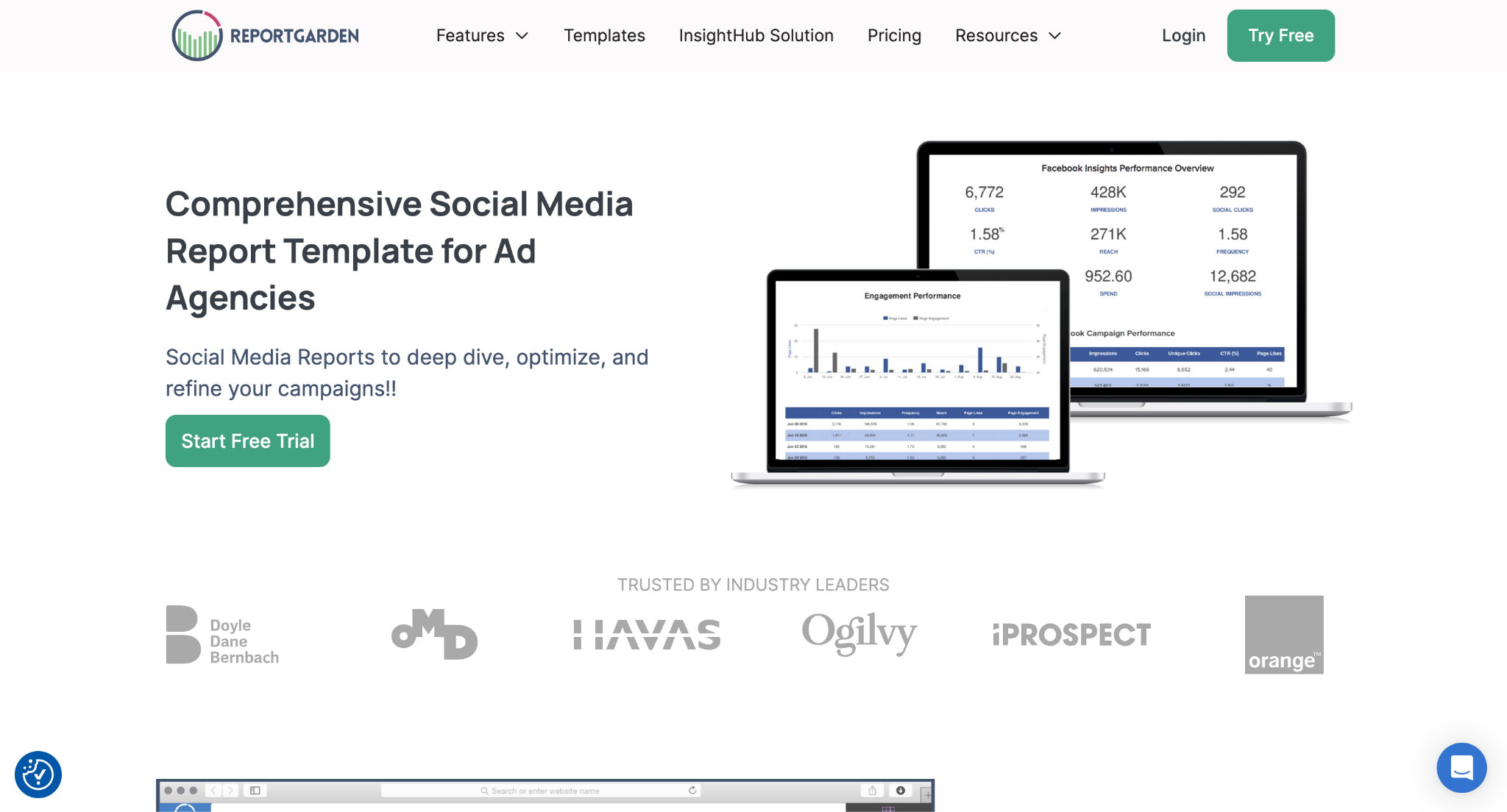
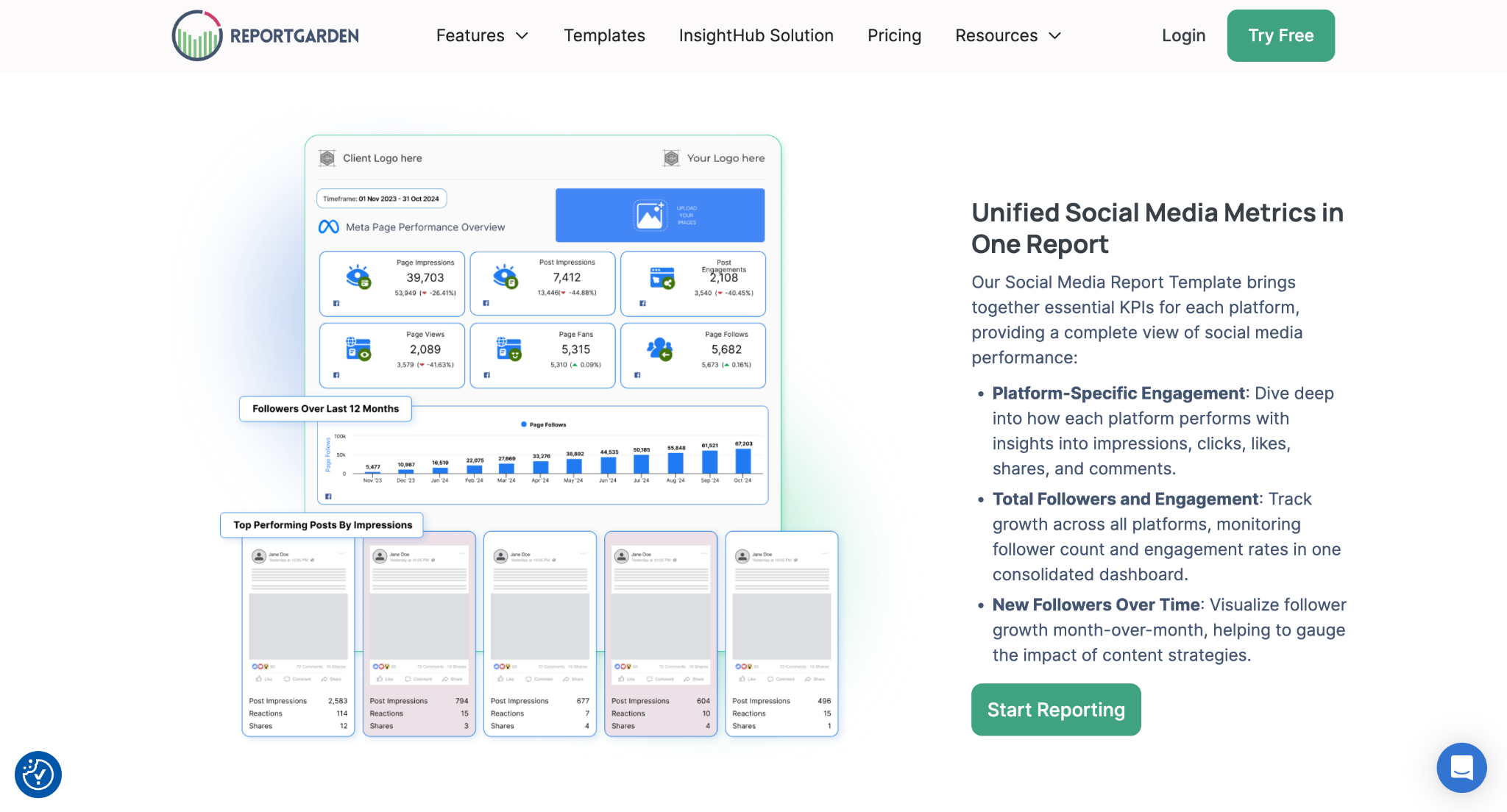
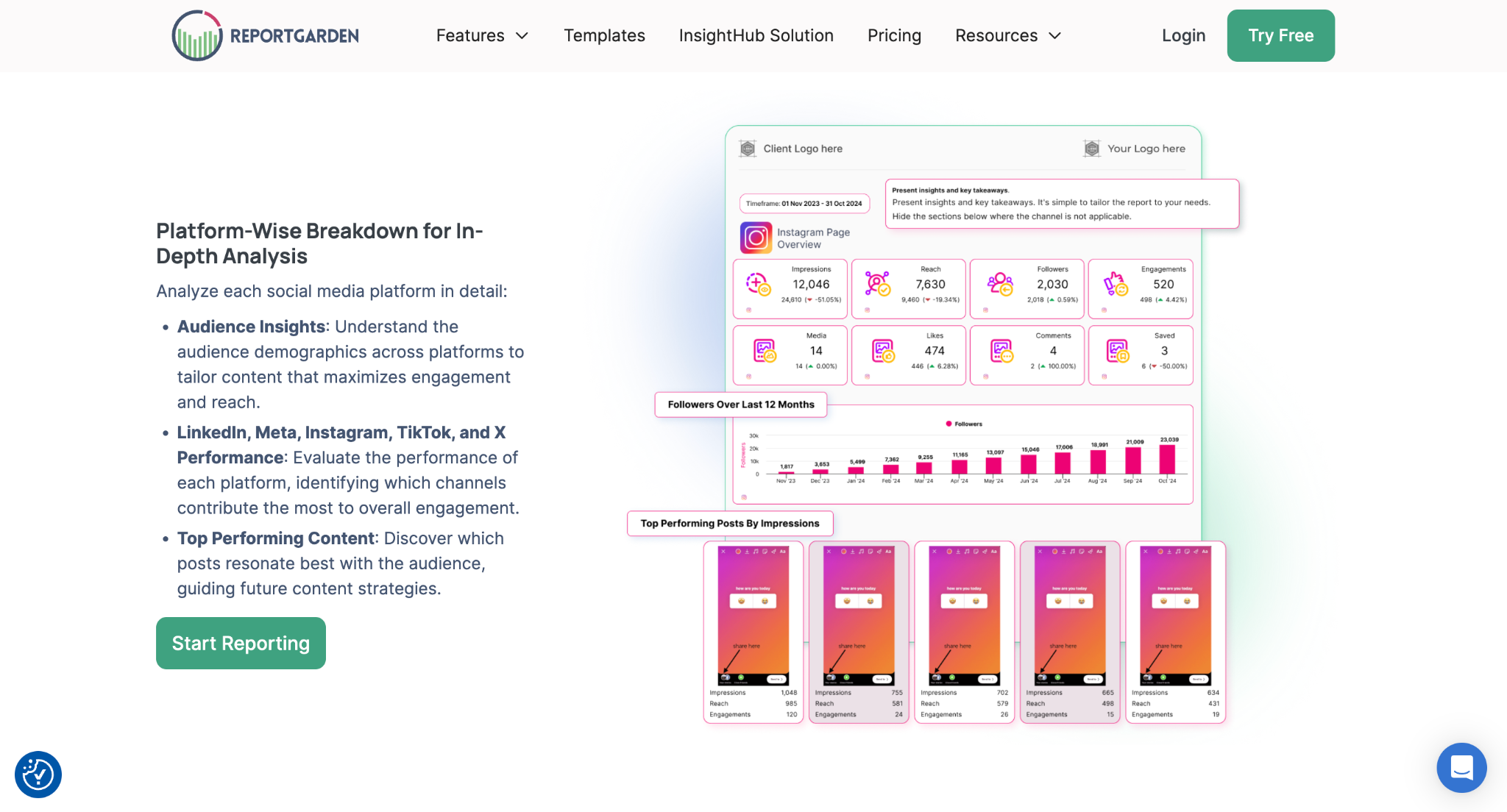
A client-reporting platform for agencies that pulls social data alongside SEO, PPC, and other channels into branded reports.
Best for: agencies reporting on social (and other channels) to clients.
Standout: white-label, multi-channel client reports built from a large template library.
Pros:
- Combines social, ads, and SEO data in one branded report
- White-label reports and client dashboards
- Template library speeds up recurring reporting
- Cons:
- Reporting-first - it presents data rather than replacing publishing or listening tools
- Full feature set (budgeting, invoicing) is more than a solo creator needs
Pricing: from $75/mo · Free trial: 14-day
If you build recurring social reports for clients, start from a ready-made social media report template . Reporting across search and ads too? See our guide to the best SEO reporting tools
4. SocialBee
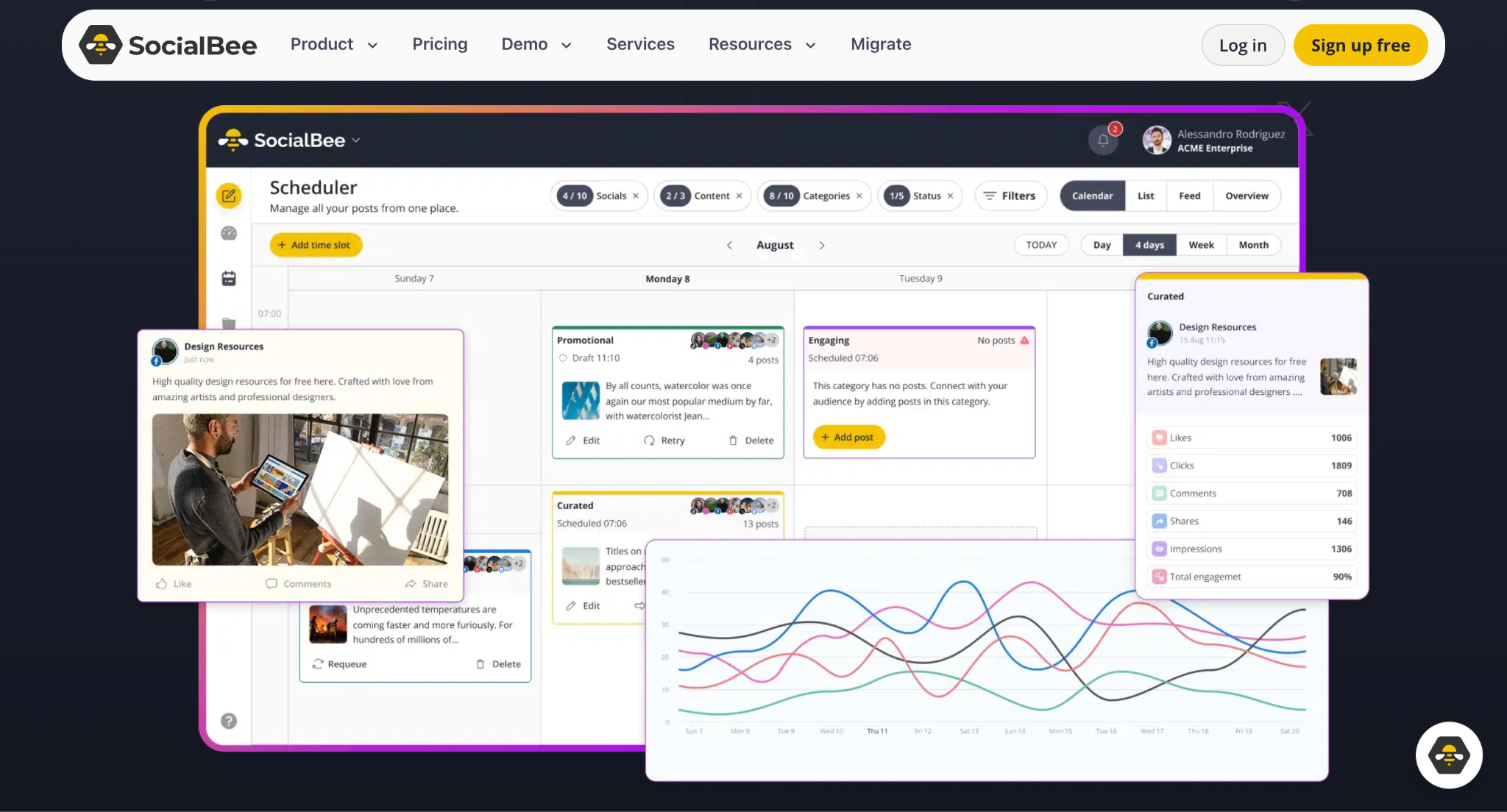
A social media scheduling and content tool for small businesses, with built-in analytics.
Best for: solopreneurs and small businesses managing posting plus basic analytics.
Standout: content categorization with post-level performance analytics.
Pros:
- Affordable for small teams
- Category-based scheduling
- Exportable PDF reports
Cons:
- Analytics are lighter than enterprise platforms
Pricing: 24$/mo · Free trial: 14-day
5. BuzzSumo
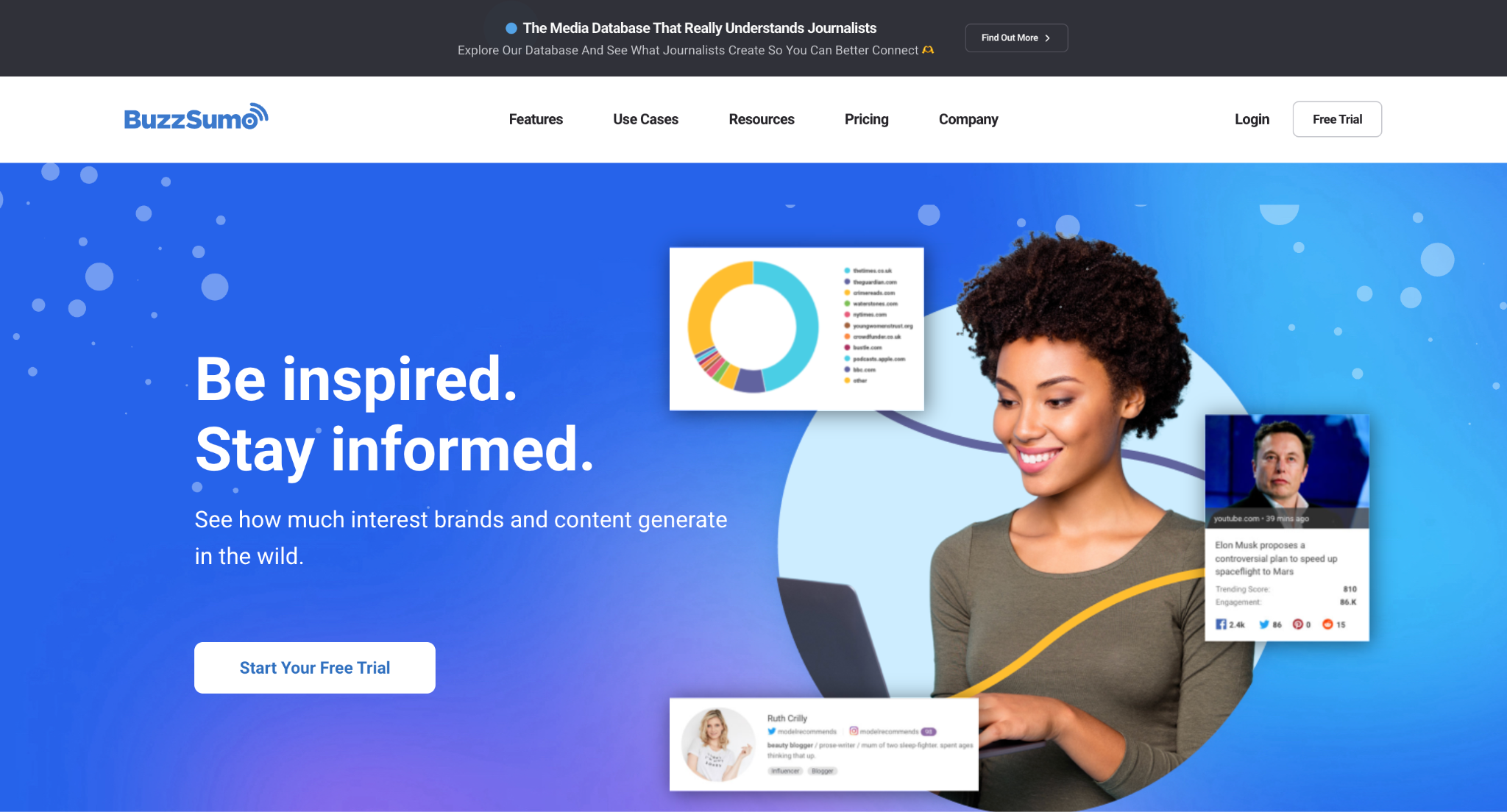
A content research and PR tool for finding trending content, influencers, and journalists.
Best for: content research and influencer or PR discovery.
Standout: content and trend discovery across the web and social.
Pros:
- Surfaces top-performing content by topic
- Influencer and journalist discovery
- Competitor content comparison
Cons:
- Not a social scheduling or dashboard tool
- Higher tiers get expensive
Pricing: 159$/mo · Free trial: 7-day
6. Rival IQ
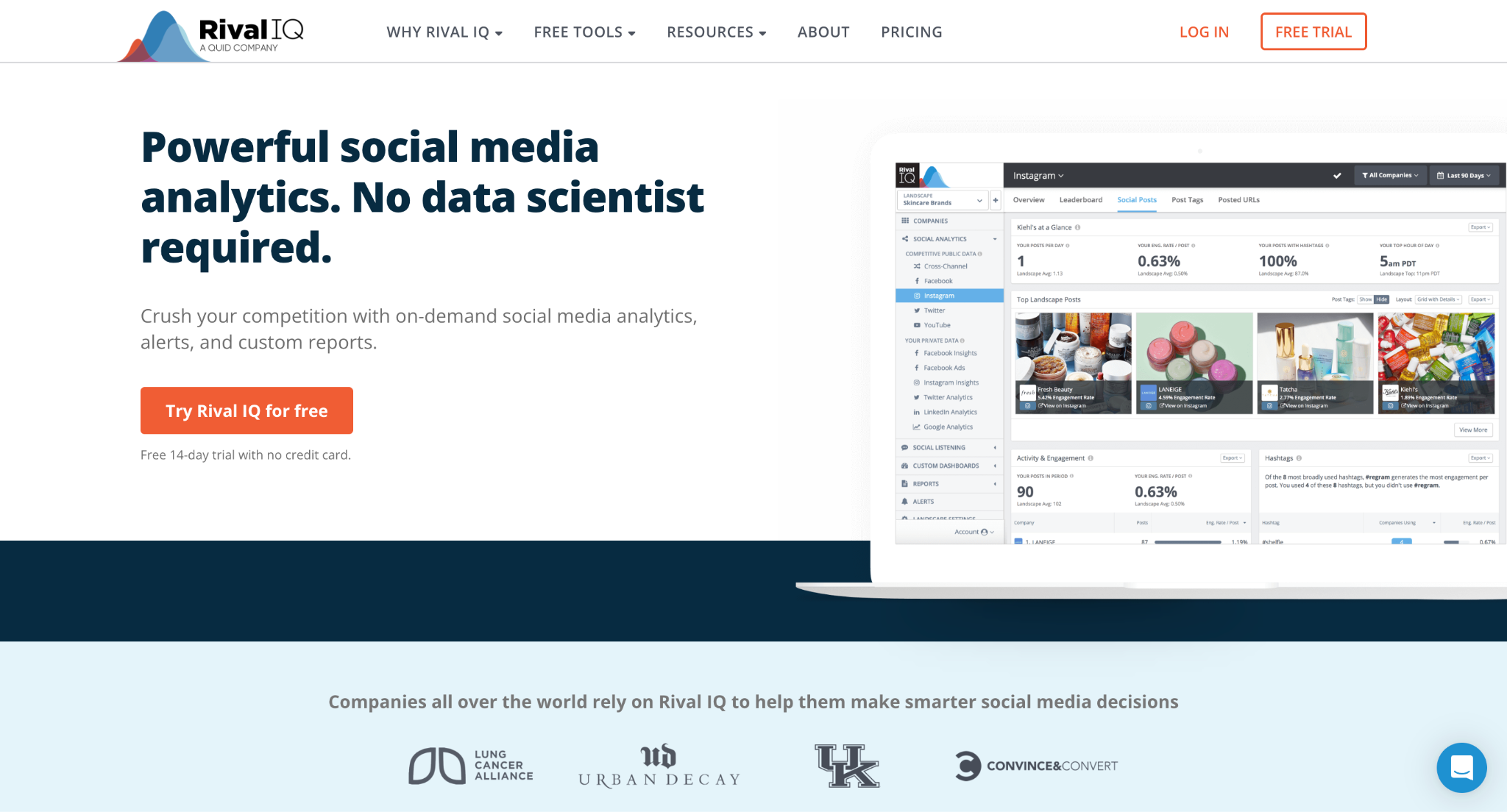
A competitive social media analytics tool for benchmarking against rivals.
Best for: comparing your social performance against competitors.
Standout: head-to-head competitive reports across networks.
Pros:
- Competitive benchmarking across Instagram, Facebook, and X
- Cross-network analytics in one view
- Shareable, exportable reports
Cons:
- Focused on analytics and benchmarking, not publishing
Pricing: 199$/mo · Free trial: 14-day
7. Fedica (formerly Followerwonk)
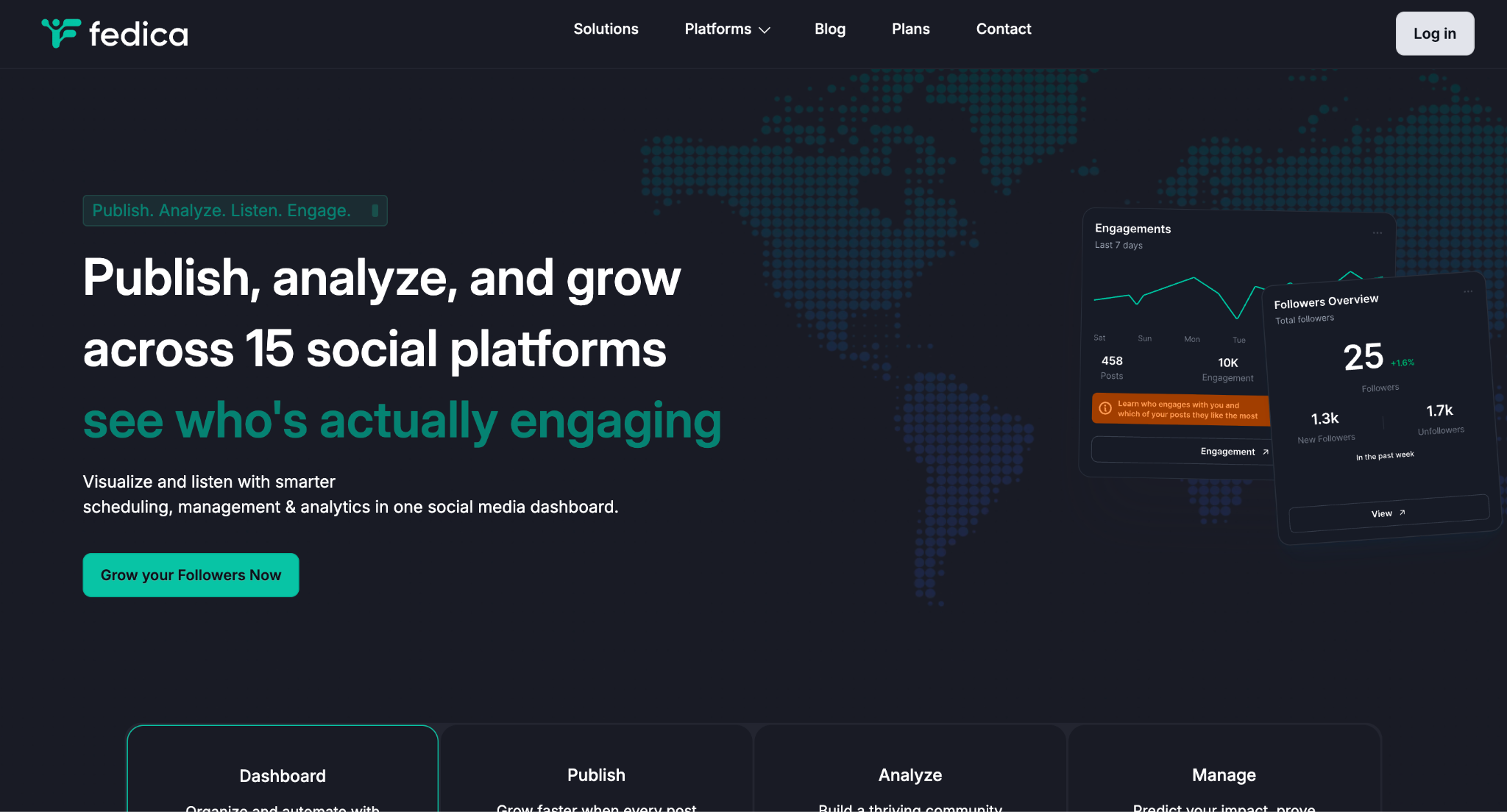
An X (formerly Twitter) audience-analysis tool that is now part of Fedica. Fedica acquired Followerwonk in April 2023, and after changes to X's API pricing disrupted independent research tools, Followerwonk's capabilities were migrated into the Fedica dashboard . Its classic features - bio search, follower-overlap comparison, and account analysis - are now delivered through Fedica.
Best for: analyzing X audiences, followers, and bios.
Standout: X bio search and follower-overlap comparison.
Pros:
- Audience, follower, and demographic analysis
- Bio keyword search
- Follower comparison between accounts
Cons:
- X-focused
- Now accessed through Fedica rather than as a fully standalone product
Pricing: 10$/mo· Free trial: Yes
8. Tailwind
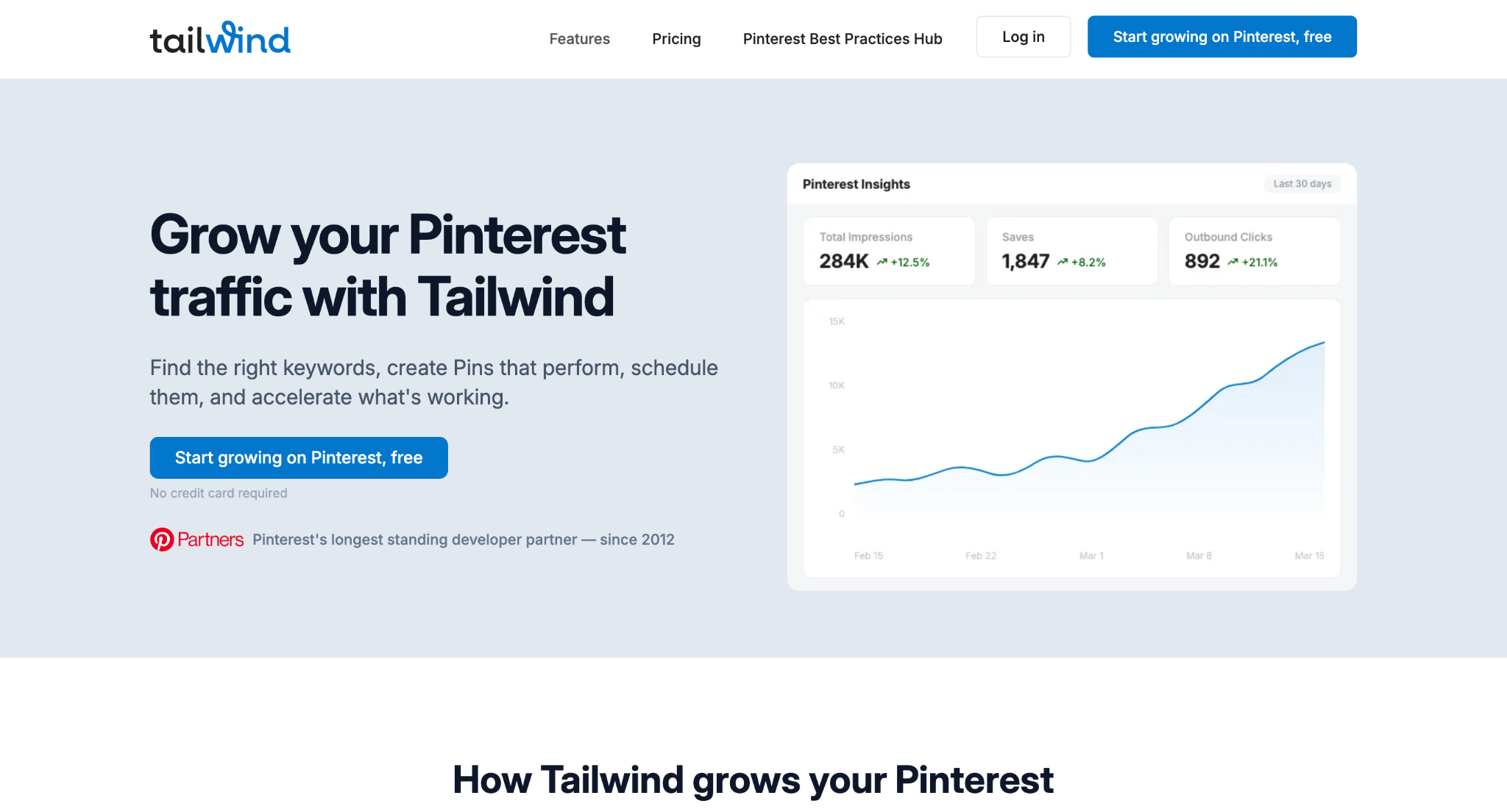
A visual-first marketing tool historically centered on Pinterest and Instagram.
Best for: Pinterest-led visual marketing.
Standout: Pinterest scheduling and performance analytics.
Pros:
- Pinterest analytics and content tools
- Hashtag suggestions
- Visual-platform focus
Cons:
- Scope has shifted over time - confirm current Instagram support and feature set
Pricing: 29.98$/mo· Free plan: Yes
9. Facelift Data Studio (formerly Quintly)
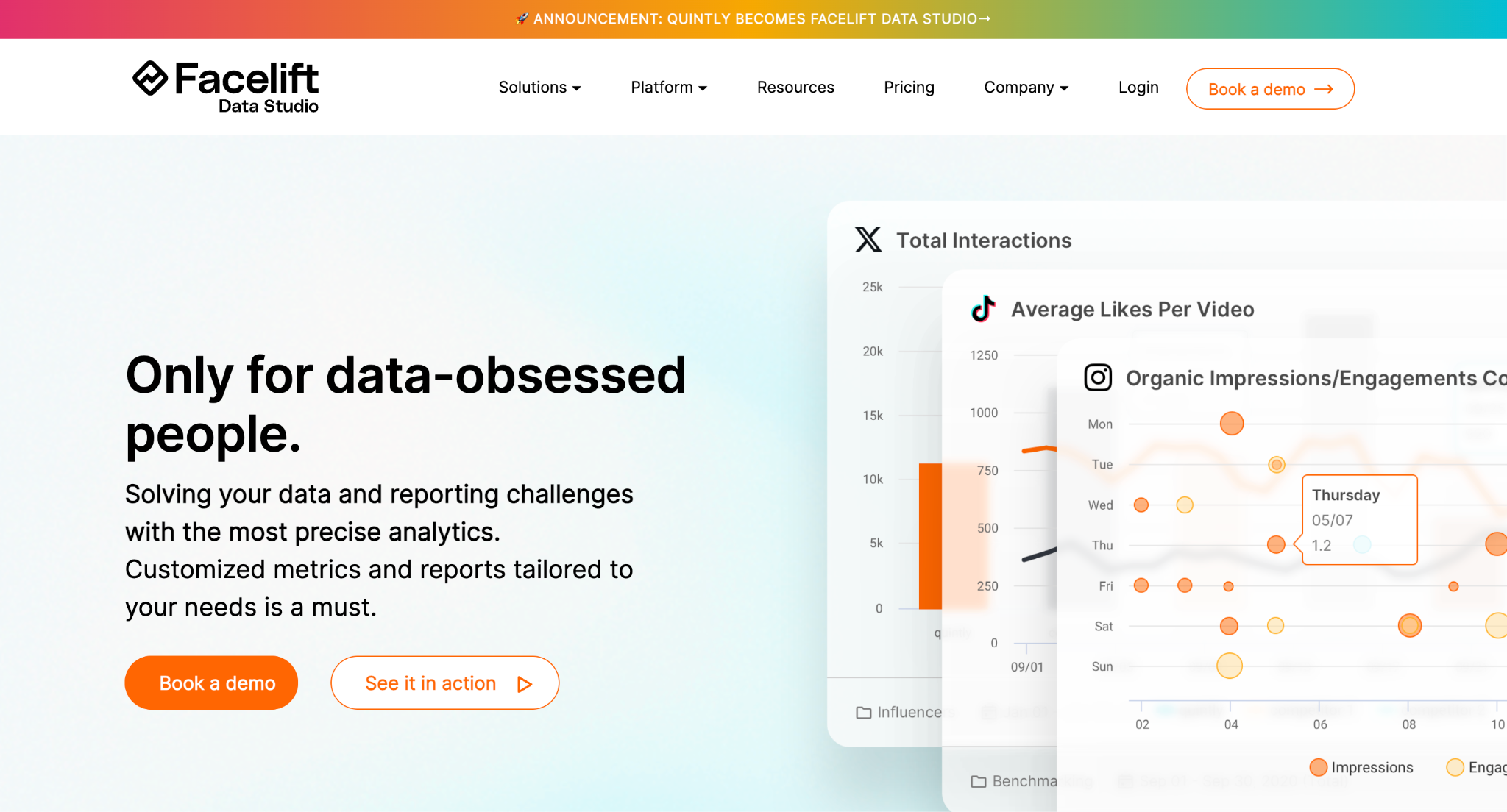
A multi-network social analytics and benchmarking platform. Facelift acquired Quintly in 2022, and the product rebranded to Facelift Data Studio to fit within the broader Facelift ecosystem. It continues to provide the same social media analytics and benchmarking for platforms including Instagram, Facebook, and LinkedIn.
Best for: analysts who need detailed metrics across many profiles and networks.
Standout: benchmarking and a broad metric set across Instagram, Facebook, and LinkedIn.
Pros:
- Wide metric coverage across networks
- Competitive benchmarking
- Customizable dashboards for multi-profile analysis
Cons:
- Analyst-oriented, less about publishing
Pricing: On request · Free trial: Check site
10. Google Analytics (GA4)
Google's free web analytics platform, which measures the traffic and conversions social sends to your site.
Best for: measuring, for free, how social contributes to on-site results.
Standout: connects social visits to on-site behavior and conversions.
Pros:
- Free
- Tracks conversions and user journeys from social
- Integrates with Looker Studio and Google Ads
Cons:
- Measures site behavior, not native social metrics like reach or likes
- GA4 has a learning curve
Pricing: Free (GA4). Analytics 360 is enterprise, quote-based.
How we evaluated these tools
We evaluated each tool on network and data coverage, analytics and reporting depth, ease of use, and price. Where possible we based notes on hands-on use building reports; for tools we use less, we drew on documented features and verified user reviews.
Report smarter with the right tool
Choose by the job, not the brand. Solo creators and small businesses can start with GA4 and a single affordable tool like SocialBee. Teams that need listening and management in one place lean toward Sprout Social. Agencies producing recurring, client-ready reports across social, search, and ads benefit most from a dedicated reporting platform.
For agency client reporting, ReportGarden pulls social media alongside your other channels into one branded report - start from a social media report template.
FAQ
What is the best social media analytics tool?
It depends on the job. Sprout Social is strong for all-in-one management and listening, Rival IQ for competitive benchmarking, and ReportGarden for agencies reporting to clients across channels.
Are there free social media analytics tools?
Yes. Google Analytics (GA4) is free and measures the traffic and conversions social sends to your site, and each social platform offers free native insights. Paid tools add cross-network dashboards, listening, and white-label reports.
What's the difference between a social media management tool and an analytics tool?
A management tool helps you run your channels - scheduling, publishing, engagement. An analytics or reporting tool helps you measure and present results. Some platforms, like Sprout Social and HubSpot, do both.
How much do social media analytics tools cost?
They range from free (GA4 and native platform insights) to several hundred dollars a month, depending on networks covered, listening features, and how many users or profiles you manage.
Which tool is best for agencies reporting to clients?
For agencies reporting across social and other channels, ReportGarden fits well thanks to white-label reports and a template library. Sprout Social and HubSpot are common alternatives for teams that also want management built in.
.png)